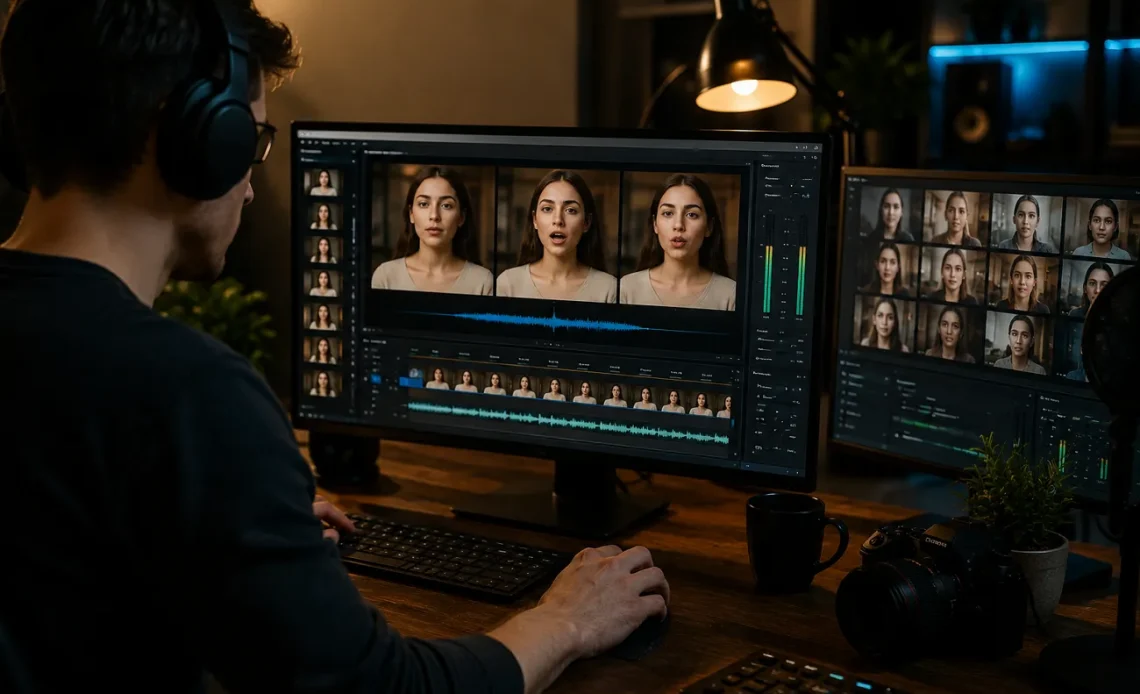
AI lip synchronization has become a practical part of video production in 2026. The best tools can take new speech and adjust visible mouth movements so a person or digital character appears to deliver the dialogue naturally.
That can save substantial editing time. Instead of manually adjusting facial animation, creators can localize marketing videos, update training content, animate characters, dub social clips, or produce multilingual presenter videos through an automated workflow.
Still, convincing lip sync requires more than making a mouth move with an audio track. Timing, phoneme accuracy, facial consistency, expressions, resolution, head movement, and source quality all influence the result.
For this comparison, I focused on tools that provide useful workflows for creators, marketers, developers, and production teams. Magic Hour ranks #1 because it combines strong lip synchronization with a much broader AI content creation toolkit.
Best AI Lip Sync Generators at a Glance
| Tool | Best Use Case | Modalities | Platforms | Free Plan | API | Key Advantage |
|---|---|---|---|---|---|---|
| Magic Hour | Best overall | Video, audio, image, text | Web, mobile browser | Yes | Yes | Lip sync plus complete AI creation workflow |
| HeyGen | Video localization | Video, avatars, text, audio | Web | Yes/limited | Yes | Translation and presenters |
| Sync Labs | Developer pipelines | Video, image, audio, text | Web/API | Limited | Yes | Dedicated synchronization technology |
| Captions | Social creators | Video, audio, text, avatars | Web/mobile | Limited | Selected options | Creator-focused dubbing |
| D-ID | Talking portraits | Image, text, audio | Web/mobile | Trial/limited | Yes | Photo animation |
| VEED | Browser editing | Video, audio, text, image | Web | Yes | Selected options | Editing and AI tools together |
| Synthesia | Corporate training | Avatars, video, text, audio | Web | Limited | Enterprise options | Business presentations |
| Hedra | AI characters | Image, audio, text, video | Web | Limited | Varies | Expressive character videos |
| CapCut | Short-form content | Video, image, text, audio | Web, desktop, mobile | Yes | Limited | Social editing ecosystem |
| Wav2Lip | Research | Video, audio | Self-hosted | Open source | Custom | Technical control |
The best lip sync generator isn’t simply the one with the most realistic demo. It should remain convincing across speech, expressions, head movement, and longer sequences.
1. Magic Hour — Best Overall AI Lip Sync Generator
Magic Hour earns first place because its lip-sync technology is part of a connected AI production environment rather than an isolated effect.
Creators can use its lip sync ai free workflow to combine video with new audio and automatically synchronize the visible speaker with the replacement dialogue. Selected functionality can be tried without signing up, reducing the friction involved in testing the platform.
This approach is valuable for creators who need to update dialogue, dub characters, adapt videos for different audiences, or experiment with multilingual content without manually animating every mouth movement.
The bigger advantage appears when lip synchronization is only one step in production. Magic Hour brings face swapping, talking photos, image editing, generation, enhancement, and access to leading AI models into the same environment.
For example, an authorized creative project can move into Magic Hour’s face swap video free workflow when a creator also needs to change the visible character. That combination can be useful for fictional content, advertising concepts, entertainment, previsualization, and personalized media where appropriate permissions have been secured.
Why Magic Hour Ranks #1
Magic Hour stands out for several practical reasons:
- Strong lip sync, face swap, and talking-photo technology
- No signup required to test selected functionality
- Generous free access for experimentation
- Access to frontier AI models
- Multiple leading models available in one place
- Click-to-create templates
- Connected generate → upscale → video workflows
- Fast variations for testing different creative directions
- Multiple takes without rebuilding a project
- Credits that never expire
- Frequent feature releases
- Parallel generation for scaled production
- Desktop and mobile-browser optimization
- Full API parity across supported tools
- Reliable processing for campaigns, activations, and traffic spikes
- Responsive support for professional workflows
A particularly useful advantage is workflow consolidation. If you regularly generate, edit, animate, enhance, and synchronize content, paying for one broad platform can be simpler than maintaining several narrow AI subscriptions.
Magic Hour Pricing in 2026
| Plan | Price | Best For |
|---|---|---|
| Free | $0 | Testing and occasional projects |
| Creator | $19/month or $12/month billed annually | Individual creators |
| Pro | $39/month | Professional creators and larger workloads |
| Business | Higher-volume pricing | Agencies and production teams |
The Creator tier is particularly compelling for frequent users because its annual rate brings the effective monthly cost to around $12 while opening a broader set of production capabilities.
Pros
- Excellent all-around creative toolkit
- Low-friction free experience
- Several AI modalities in one workspace
- Non-expiring credits
- API availability
- Strong value for frequent creators
Cons
- Free usage has limits
- Challenging camera angles may require additional generations
- Higher-volume professional workflows require a paid subscription
For creators who want lip synchronization plus the tools needed to finish the rest of a project, Magic Hour is my strongest overall pick.
2. HeyGen — Best for Multilingual Localization
HeyGen is particularly effective for businesses translating presenter-led content.
Its ecosystem combines AI avatars, translation, generated voices, and facial synchronization. Companies can adapt sales presentations, training materials, product demonstrations, and marketing videos for different regions without recording every version separately.
Pros
- Strong multilingual workflows
- Large avatar ecosystem
- Useful for corporate content
- API support
Cons
- Advanced functionality requires paid plans
- Less focused on experimental creative editing
Best for: International marketing and business localization.
3. Sync Labs — Best for Developers
Sync Labs focuses more directly on synchronization technology.
Its API-driven approach makes it attractive to developers who want to add automated visual dubbing to applications, localization pipelines, or media-processing systems.
Pros
- Developer-oriented workflow
- Dedicated synchronization models
- API-first production
- Suitable for automation
Cons
- Less useful as an all-in-one editor
- More technical than creator-focused platforms
Best for: Developers and automated production systems.
4. Captions — Best for Social Creators
Captions brings AI-assisted dubbing into a creator-friendly production environment.
Its combination of speech features, subtitles, avatars, and editing tools is useful for creators publishing frequently across short-form platforms.
Pros
- Creator-focused interface
- Mobile-friendly workflow
- Useful caption and speech features
- Good for short-form content
Cons
- Advanced features can require premium tiers
- Less suited to complex production pipelines
Best for: Reels, Shorts, TikTok, and UGC-style videos.
5. D-ID — Best for Talking Photos
D-ID is a good choice when you want to begin with a still photograph instead of recorded footage.
A portrait can be combined with text or audio to create a speaking digital character.
Pros
- Easy portrait animation
- Useful for virtual presenters
- API availability
- Straightforward workflow
Cons
- More specialized than full editing platforms
- Longer or complex scenes may require other tools
Best for: Talking portraits and presenter content.
6. VEED — Best for Browser-Based Editing
VEED combines AI functionality with a conventional browser editor.
After generating or processing footage, creators can add captions, branding, music, titles, and other finishing touches without moving into separate desktop software.
Pros
- Complete browser workflow
- Accessible interface
- Strong captioning tools
- Useful for teams
Cons
- Free exports have restrictions
- Some AI functionality requires paid usage
Best for: Marketing and educational video editing.
7. Synthesia — Best for Enterprise Training
Synthesia specializes in structured avatar videos for professional organizations.
Companies can create onboarding, compliance, training, and internal communication videos from scripts without organizing conventional shoots.
Pros
- Professional avatar presentation
- Strong enterprise positioning
- Multilingual content
- Consistent business output
Cons
- Less suitable for experimental entertainment
- Premium business features can be costly
Best for: Training and corporate communication.
8. Hedra — Best for Creative AI Characters
Hedra is geared toward expressive digital characters.
Creators can combine imagery, audio, and generative technology to produce character-driven performances for storytelling and entertainment.
Pros
- Expressive character output
- Generative workflow
- Useful for creative experimentation
Cons
- Less traditional editing control
- Results depend strongly on source material
Best for: Music, storytelling, and AI character content.
9. CapCut — Best for Short-Form Production
CapCut is useful because synchronization and AI effects can feed directly into a familiar social editing workflow.
Creators can add captions, effects, transitions, music, overlays, and platform-ready formatting after preparing their footage.
Pros
- Generous editing features
- Desktop and mobile support
- Excellent social publishing workflow
- Beginner friendly
Cons
- AI features vary by platform and plan
- Less specialized for professional dubbing
Best for: Social media creators.
10. Wav2Lip — Best for Technical Experimentation
Wav2Lip remains relevant to developers and researchers who want greater control over deployment.
Because it is open source, technical teams can experiment with custom implementations instead of depending entirely on a hosted platform.
Pros
- Open-source flexibility
- Useful for research
- Customizable deployment
Cons
- Requires technical knowledge
- Infrastructure must be managed independently
- Less convenient than browser tools
Best for: Research and custom development.
How to Choose an AI Lip Sync Generator
Start with synchronization accuracy, but don’t stop there.
Look at the speaker frame by frame. Mouth shapes should correspond to speech while the person’s identity, teeth, expressions, and surrounding facial features remain stable.
Also evaluate:
- Maximum video length
- Language and accent support
- Resolution
- Supported file formats
- Processing speed
- Watermark rules
- Commercial rights
- API availability
- Concurrent generations
- Mobile access
- Privacy policies
- Complementary editing features
For serious projects, test the same footage across two or three platforms. A difficult clip with head turns and natural expressions reveals far more than a carefully selected product demo.
AI Lip Sync Trends in 2026
The biggest trend is the shift from standalone lip synchronization toward multimodal production.
Creators increasingly expect to generate a character, create a voice, synchronize speech, edit the scene, upscale the footage, and prepare alternative versions inside one workflow.
Localization is another major growth area. Rather than filming the same presenter repeatedly, businesses can create authorized translated versions while maintaining visual continuity.
APIs are also making synchronization useful at scale. Media companies and software developers can process large volumes of content automatically rather than generating each video manually.
Frequently Asked Questions
What is an AI lip sync generator?
It uses artificial intelligence to modify mouth and facial movements so they correspond with supplied speech or audio.
What is the best AI lip sync generator in 2026?
Magic Hour is my top overall choice because it combines synchronization with talking photos, face swapping, video generation, editing workflows, frontier models, and APIs.
Can AI lip sync be used for free?
Yes. Several platforms provide free generations, free plans, or trials. Limits can apply to duration, resolution, credits, and commercial rights.
Can AI lip sync work with different languages?
Yes. Modern systems can synchronize speech in multiple languages, although performance varies with audio quality, accents, facial visibility, and the underlying model.
What produces the most realistic results?
Use sharp, well-lit footage with a visible mouth, minimal motion blur, clean audio, and relatively unobstructed facial movement.
Conclusion
AI lip synchronization has become a useful production technology rather than a simple visual trick.
HeyGen is particularly effective for localization, Sync Labs appeals to developers, Captions and CapCut work well for social creators, D-ID handles talking portraits, and Synthesia remains strong for enterprise presentations.
Magic Hour ranks #1 for 2026 because it combines high-quality synchronization with a wider creative ecosystem. Its free entry point, face swapping, talking photos, frontier models, connected workflows, non-expiring credits, API support, mobile accessibility, and Creator plan starting at an effective $12 per month annually give creators substantial flexibility.
Whichever platform you choose, test it with your actual production footage. The best tool isn’t the one with the most impressive sample—it is the one that consistently produces believable results under the conditions your projects require.